LifeCycle®
LifeCycle
®
User Manual
6. App Screens
The LifeCycle app is organized into several main screens. Each screen focuses on a different part of monthly financial tracking, from reviewing what is coming soon to managing long-term projections and editing recurring items.
The main screen on the iPad (titled: "Upcoming") list shows a panel on the left:
- Displays links to the major portions of the app.
- Displays a bottom-left overview with total monthly bills, total monthly income, and total assets.
Note: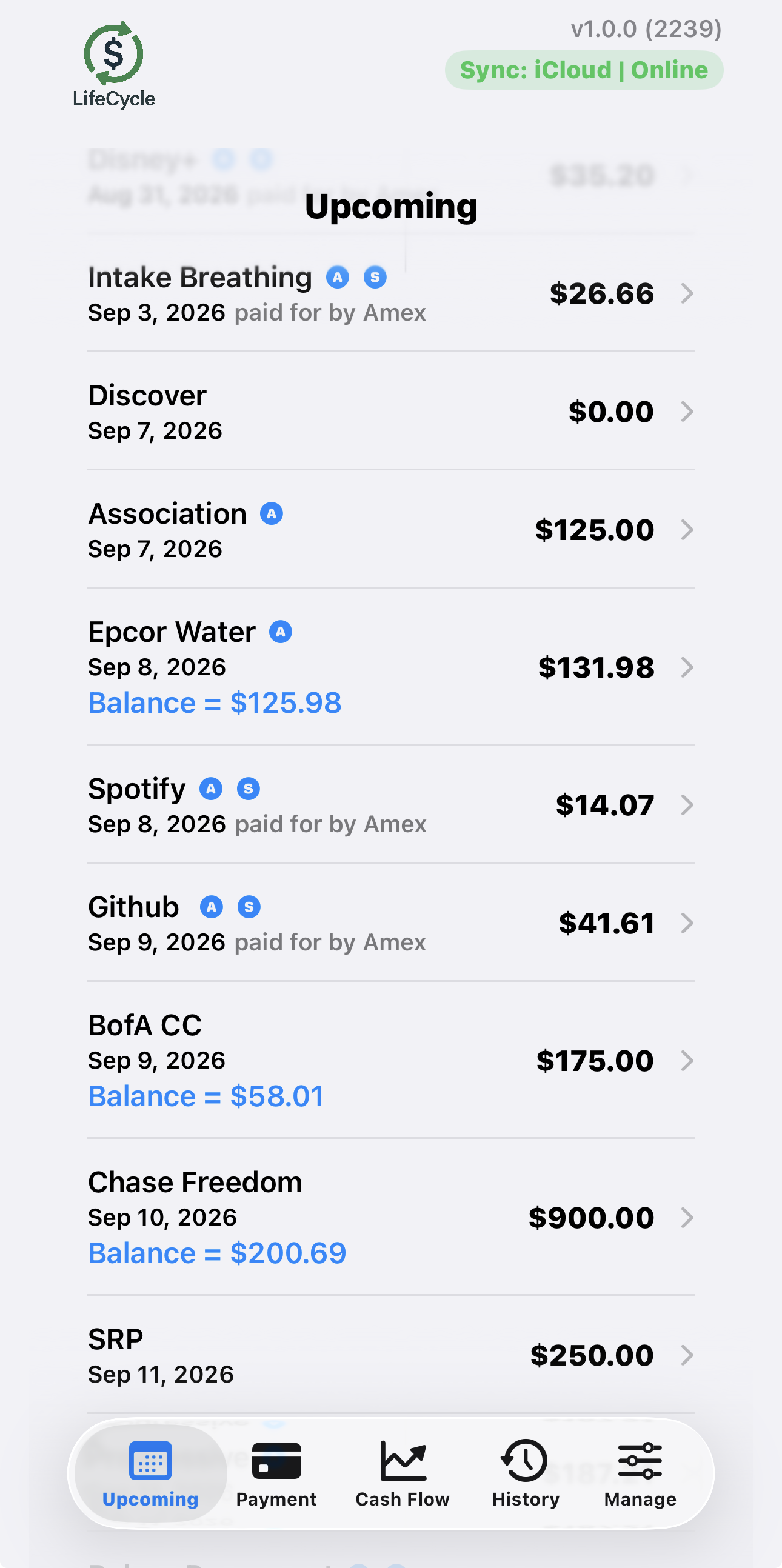 on the iPhone, in landscape mode (see image at right),
 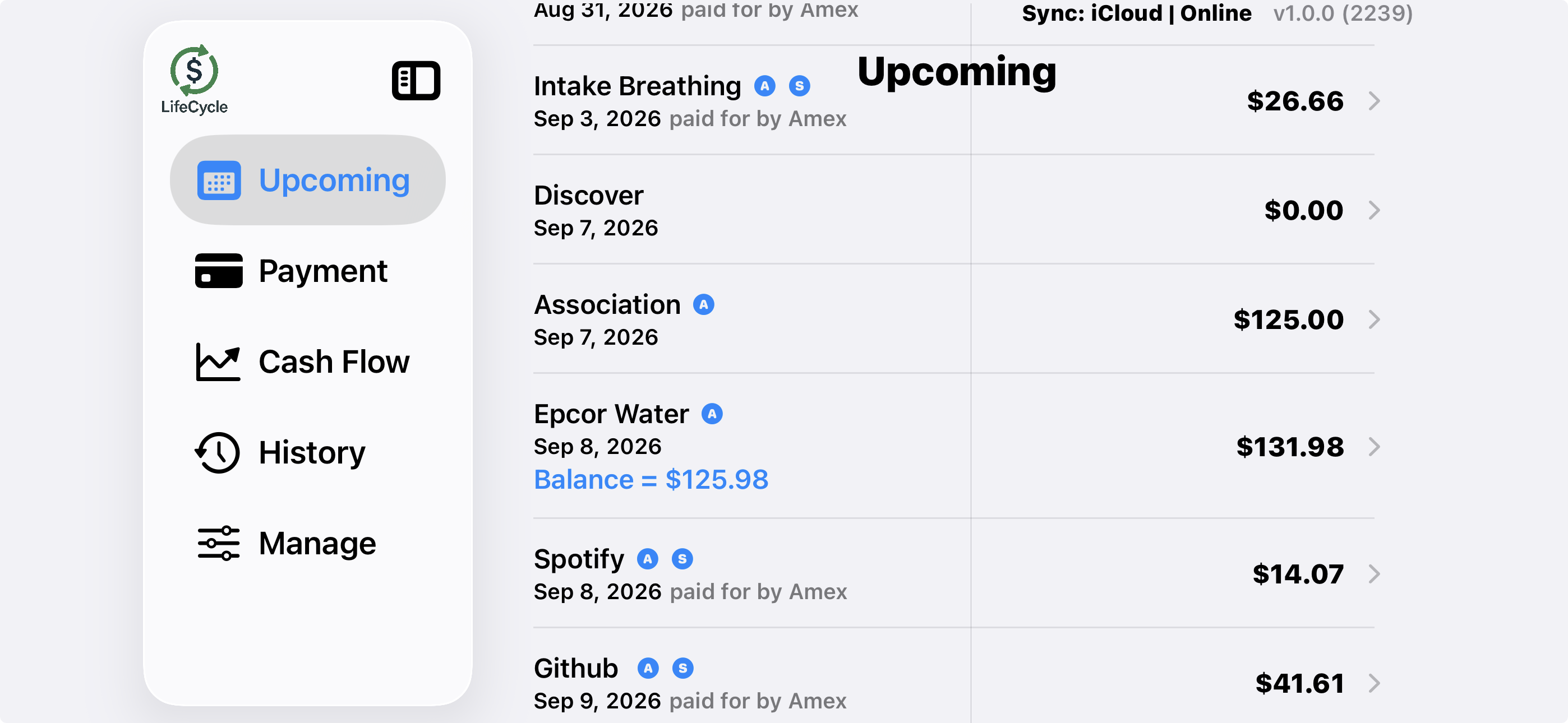 the left panel will show; in portrait mode (see image at left), there is no room so it will not show; instead there is a bottom panel with the same links. The aggregate totals are shown inline after each section on the Upcoming screen.